Apple 03
Parallels Allows Windows Compatibility on MacBook Neo Despite Hardware Constraints
Parallels Desktop: Connecting Mac and Windows The technology sector is aflame with enthusiasm as Parallels Desktop software enables the operation of...
- Published
- Updated
3 minute read
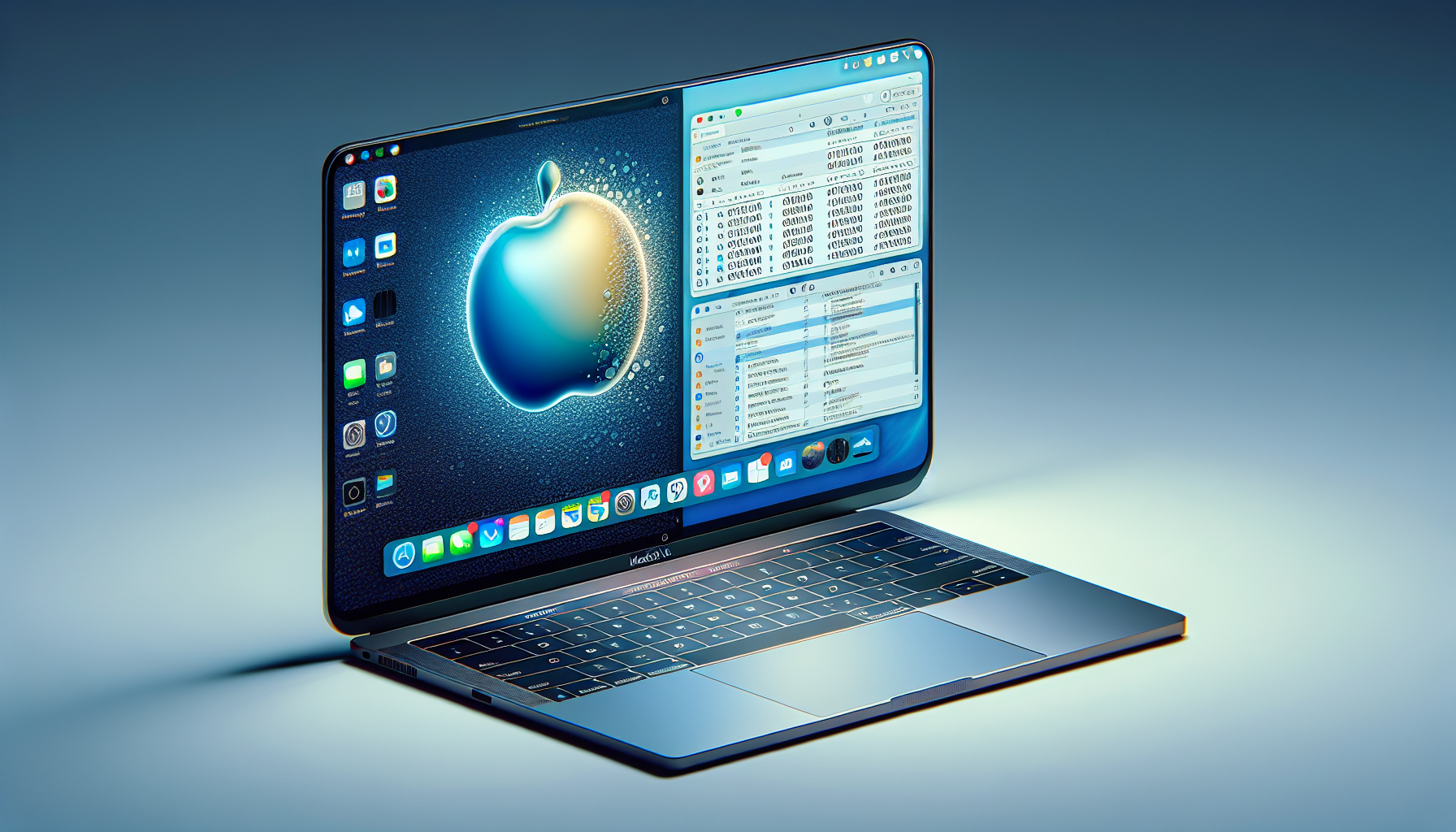
Parallels Desktop: Connecting Mac and Windows
The technology sector is aflame with enthusiasm as Parallels Desktop software enables the operation of Windows on Apple’s economical MacBook Neo. This advancement paves the way for users who need applications exclusive to Windows but favor the elegant design and functional experience of a MacBook. Let’s explore the mechanics of this compatibility and its implications for users.
MacBook Neo: An Economical Powerhouse
Apple’s MacBook Neo, available at an appealing $600, has drawn attention for its cost-effectiveness and capabilities. Featuring the A18 Pro processor, the Neo is crafted for fundamental computing activities. Although it may fall short compared to the MacBook Air for intensive tasks, it stands its ground for routine applications.
Parallels Desktop: Facilitating Windows on Mac
Parallels Desktop is a virtualization tool that empowers Mac users to run Windows effortlessly. Even with the MacBook Neo’s hardware constraints, Parallels has refined its software to provide a smooth experience for less demanding computing activities. This includes general productivity, document creation, and online applications.
Performance Insights: Neo versus Rivals
Testing by Parallels indicates that the single-core CPU performance of the MacBook Neo is notable, even when operating Windows. It surpasses a Core Ultra 5 235U processor in a Dell Pro 14 laptop by roughly 20 percent. This positions the Neo as a suitable choice for executing Windows-only software packages, such as QuickBooks Desktop, Microsoft Office, and light engineering applications like AutoCAD LT and MATLAB.
Windows-Exclusive Applications on MacBook Neo
The capability to run Windows on a MacBook Neo significantly enhances its versatility. Users can now utilize Windows-only educational software and coursework, making it a compelling choice for students and professionals dependent on specific applications with no Mac counterparts.
Conclusion
The fusion of Parallels Desktop with the MacBook Neo is revolutionary for users who require Windows functionality on an economical Mac. While the Neo might not efficiently tackle heavy workloads like more advanced models, its ability to run Windows applications is impressive. This progression increases the attractiveness of the MacBook Neo, rendering it a flexible option for a broader audience.
Q&A: Grasping Parallels on MacBook Neo
Q1: Can the MacBook Neo manage heavy Windows applications?
A1: The MacBook Neo is primarily suitable for lighter computing activities. For heavier applications, a more robust MacBook model may be required.
Q2: Is it straightforward to install Parallels Desktop on the MacBook Neo?
A2: Yes, Parallels Desktop is engineered for a hassle-free installation and setup, making it accessible to most users.
Q3: What advantages come with using Parallels Desktop on a MacBook Neo?
A3: It enables users to run applications exclusive to Windows, enhancing the functionality of the MacBook Neo for various professional and educational applications.
Q4: How does the MacBook Neo stack up against other laptops in its price category?
A4: The Neo provides competitive single-core CPU performance, outpacing some laptops such as the Dell Pro 14 equipped with a Core Ultra 5 235U processor.
Q5: Can Parallels Desktop operate other operating systems in addition to Windows?
A5: Yes, Parallels Desktop can also manage other operating systems, but its primary emphasis is on ensuring efficient compatibility with Windows.